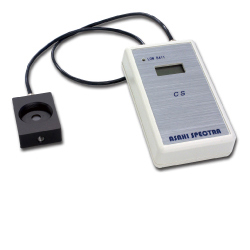
| Model |
CS-20 (for HAL-320), CS-40 (for HAL-320W) |
| LCD |
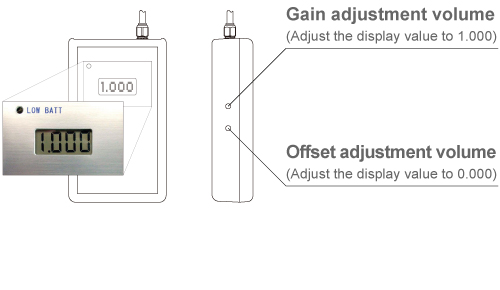
Digital 3.5 digit |
| Display range *1 |
0.000 - 1.999 (SUN) |
| Over range display |
1._ (_ is blank) |
| Detector |
Silicon photo diode (for CS-20) / Silicon photo diode and InGaAs PIN diode (for CS-40) |
| M27 thread part |
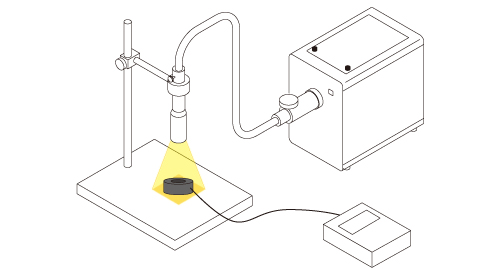
Filter holder mounting position *2 |
| |
Usable filter size: 25mm dia. / Thickness: below 6mm |
| Output range |
1mV/digit (Above 2V is not covered under warranty) |
| Maximum saturation voltage |
Below +5V |
| Connected load |
More than 100kΩ, less than 500pF |
| Power source |
006P(9V) battery x 1 |
| Fuse |
250mA |
| Recommended environment |
Temperature 23 deg C ±5 deg C |
| |
Humidity 30 - 80% (Avoid condensation) |
| Dimensions |
Controller 66.5(W) x 112(D) x 28(H)mm |
| |
Sensor head 35(W) x 50(D) x 15(H)mm (CS-20) / 35(W) x 50(D) x 22.5(H)mm (CS-40) |
| Weight |
225g (CS-20) / 250g (CS-40) |
| Standard accessory |
3.5mm dia. mini plug cable |